gigabead
Marbles go brr.
The default schematic is a simple subtraction machine. Two spawners on the left are inputs, a sink on the right is output. Click the spawners to set input numbers. Press play to see the calculation happen. Try building machines that do different arithmetic operations!
- Don't forget to export your creations! On desktop they will be saved in the same folder as the executable.
- Drag exported files onto the editor to load them (will erase current creation!!)
- Use scroll wheel to zoom, right mouse button to pan. Press F11 to enter fullscreen mode.
- Click and drag to draw and edit tracks. Tracks are always shaped as loops.
- Click on tracks to change movement direction.
- Drag tracks to resize and delete them (by collapsing them into nothing).
- Drag devices from the shelf on the left to place them.
- Drag devices onto the garbage bin icon to delete them.
- Click on devices to rotate them
- Click on spawners to change amount of marbles to spawn ("+" means infinite marbles)
Currently there are no restrictions on how you can place devices, but try to follow these suggested guidelines:
- Avoid having red parts of devices overlap.
- Having tracks cross each other is okay, but avoid having parallel tracks overlap each other.
- If you do cross tracks, don't place devices on intersections.
- Make devices fit the tracks visually (e.g. don't place red parts of reverters on track corners).
Inspired by roons (not affiliated).
Download
Click download now to get access to the following files:
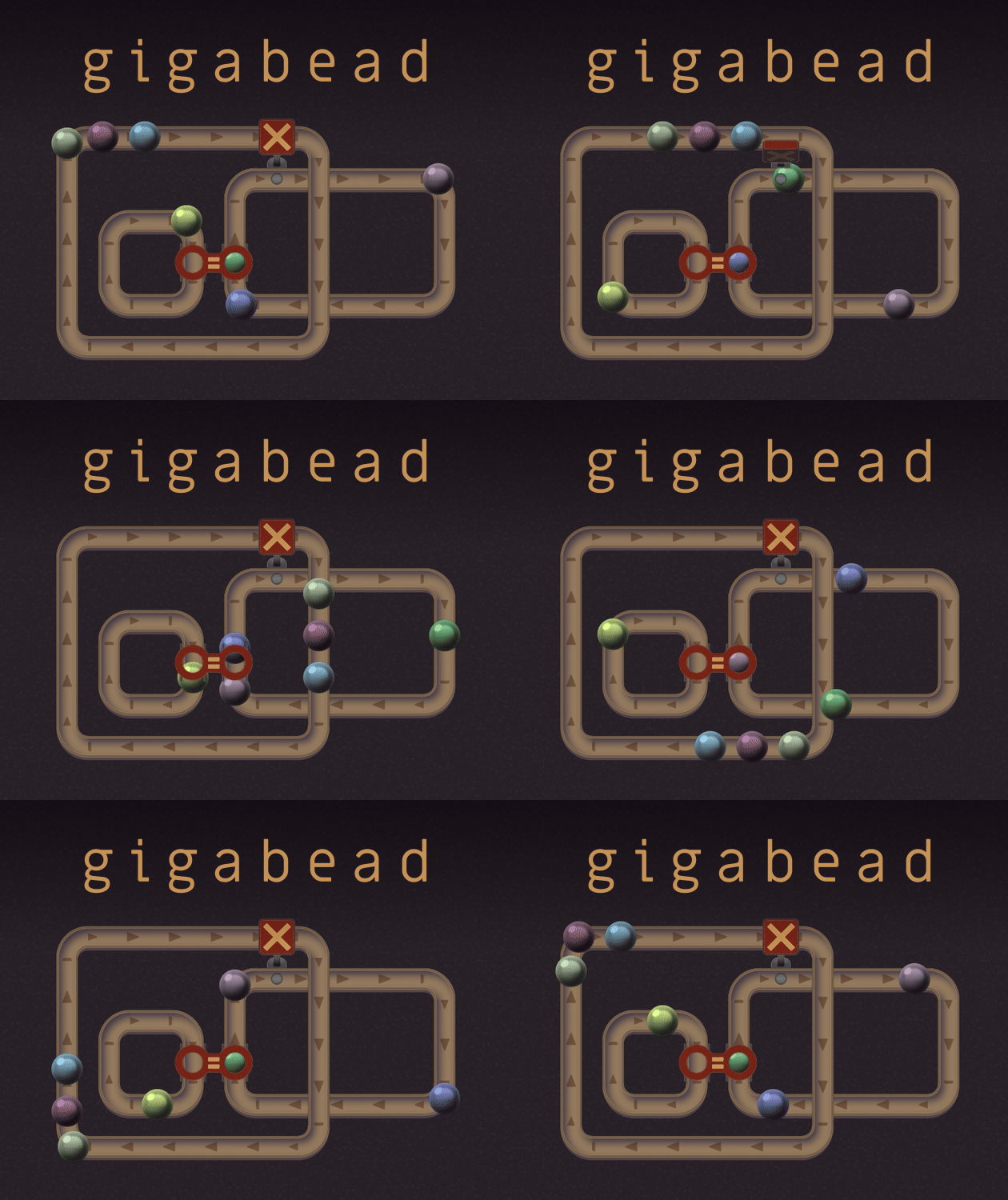
Comments
Log in with itch.io to leave a comment.
Hey, cool! Sorry there is not much of a documentation, this was a project for a game jam, so I did not have time to tutorialize it!
So, we’re trying to multiply A by B. You got the right idea to have an infinite stream that releases A marbles at a time using the top = gate. And we need the small loop that makes sure it only happens B times. A marbles released B times equals A×B!
So the overall shape of your device is correct, but I think your inner loop misses some things, it just lets marbles keep passing forever!
May I suggest these additions to your design: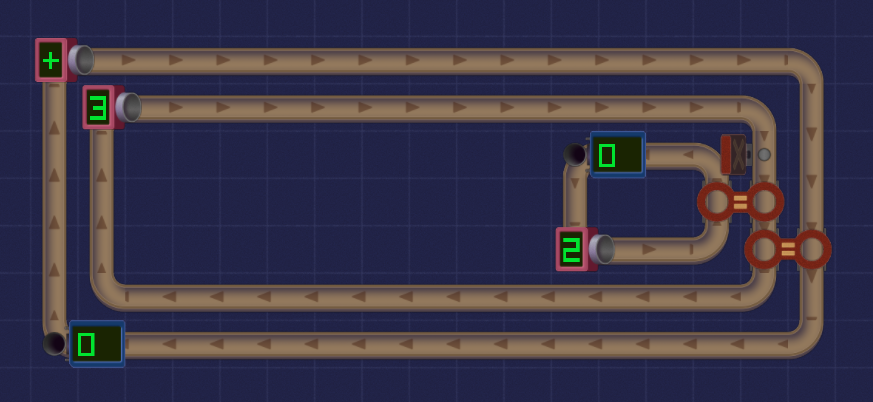
The X blocker after the = gate on the small loop makes sure the marbles are released one-by-one as the groups on the middle loop pass the = gate. Note that I reversed the direction of this small loop. This way, as the last marble of the group goes into the = gate, the blocker opens and a single marble in the small loop goes through. The drain is there to prevent these marbles from looping back and letting the operation run infinitely.
I also placed the outer = gate after the inner one. Otherwise, the result of the operation would be A×(B+1), because the marbles in the infinite stream would always be released once before we start the countdown in the small loop.
yeah I was trying to find a way for it to count but I did not find it
how do the things work
I made a clock and it was fun